
Android accessory settings
Android Bluetooth After Travel: Review Paired Devices
Review Android Bluetooth devices after travel: identify saved accessories, choose whether to disconnect or forget, and keep app permissions and VPN status separate.
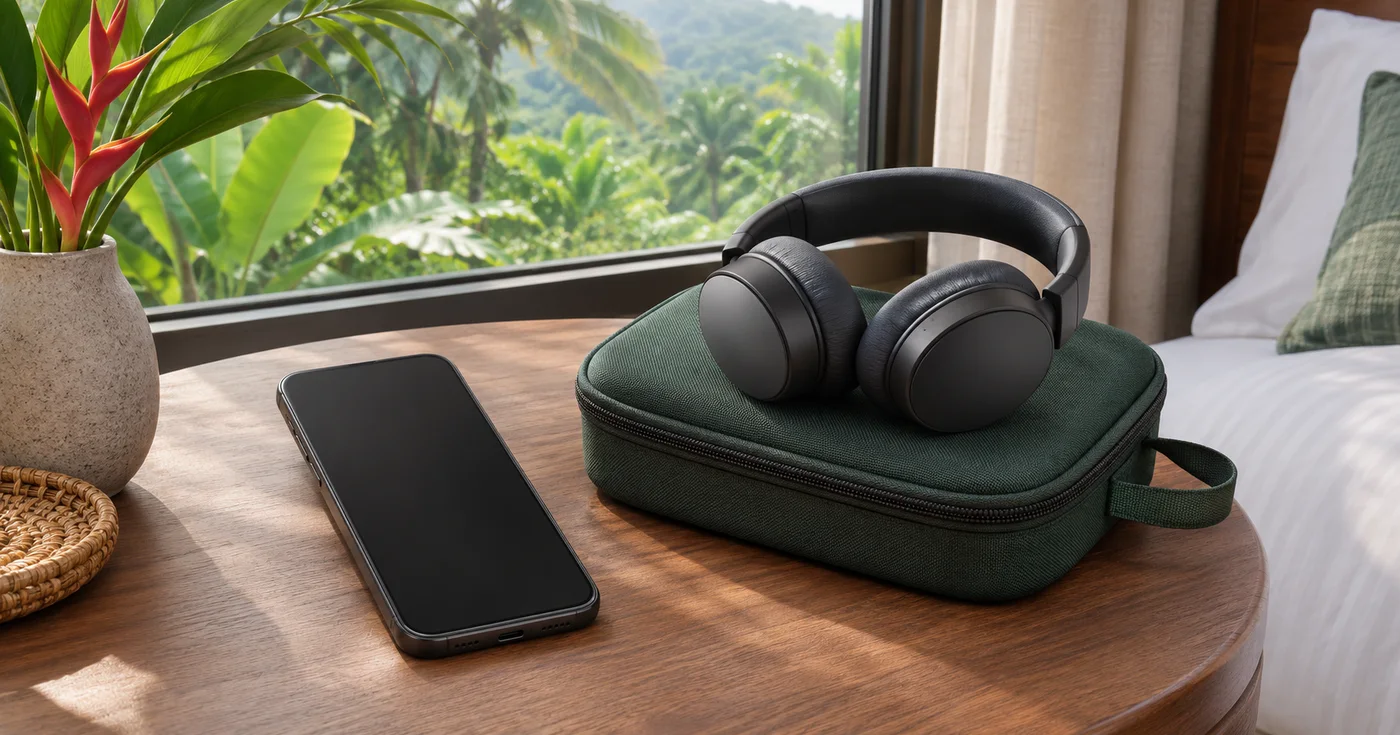
Identify the accessory before changing its entry
After a journey, your Android phone may still list an accessory you used briefly alongside the headphones you use every day. Start with the device and the relationship you intend to keep. Review the list when you have time to recognise the entries and confirm the result, rather than making several changes just before a call or departure.
Separate three observations: a device is saved on the phone, a connection is active now, and the accessory performs the task you want. Do not use one of those observations as proof of the others. Record an unfamiliar entry as uncertain until you can identify it through the device itself, its owner or the relevant instructions. A nearby name alone is not enough reason to initiate a new pairing.
If you have just left a flight, the Android airplane-mode and radio-state guide helps review the phone's actual controls separately from the saved-device list. Decide whether you are reviewing a retained relationship or simply changing the current radio state.
Read the options beside the intended device
Google's Android Bluetooth device guidance explains that paired devices can connect automatically and remain paired until they are unpaired. Its documented route begins by touching and holding Bluetooth, then opening the settings beside the relevant accessory. It distinguishes Disconnect from Forget: the latter removes the device from the phone. Some documented steps require Android 15 or supporting hardware, so inspect the options on your actual phone.
Choose the action that matches your intention. A temporary break from your own headphones is different from ending the phone's retained pairing with a borrowed accessory. Read the entry and confirmation carefully before acting. If the wording differs or an organisation manages the setting, use the responsible support route instead of assuming another phone's menu applies.
Keep the check to the intended entry. Removing several devices at once makes it harder to understand a later problem and may create unnecessary setup work. Note the starting state and the specific action you selected without collecting serial numbers or unrelated device details in a public message.
Finish a temporary pairing with clear boundaries
For an accessory you no longer intend to use, confirm the phone-side outcome after the chosen action. Look again at the relevant settings and describe what is actually shown. Do not turn a changed label into a broad claim that every possible connection or record has disappeared.
For example, you may want to retain your own headphones while ending a short-lived pairing with equipment used during a stay. Identify which entry belongs to each before changing either. Keep the device you still need available for a later deliberate check, and leave an uncertain item for a named follow-up rather than guessing from its order in the list.
A borrowed accessory or vehicle is a separate system. Removing a phone entry does not verify what that other system has retained. If you need its stored information reviewed, consult the responsible owner or manufacturer instructions. Keep that question separate from the result you observed on your phone.
Review app permissions as a separate decision
A saved Bluetooth device and an app's permission setting are different review tasks. Google's Android app-permission guidance describes reviewing an app through Settings, Apps and Permissions, or reviewing a permission category. It identifies Nearby devices as a permission for finding, connecting to and determining the relative position of nearby devices. Check the actual app and purpose before changing it.
Use the after-trip Android permission review to consider whether a travel app still needs an allowance. Avoid changing every permission because one accessory is no longer needed. Record the specific choice and check the app task you still expect to use; leave a managed or unclear setting with its responsible owner.
Check the accessory you intend to keep
At a convenient time, use your own retained accessory for an ordinary harmless task, such as playing a familiar audio item at a suitable volume. Confirm which device is selected and where the sound is actually heard. Keep private calls or personal recordings out of a basic connection observation.
Record a precise result: the intended headphones connected and played the selected item, or the expected task did not work. If there is a problem, distinguish an unknown accessory, a missing saved entry, a connection that did not complete and unexpected audio output. Those descriptions support a focused next step more usefully than saying that all connectivity is broken.
Keep VPN status and support evidence in scope
The guide to what a VPN can and cannot hide helps separate network privacy from device access. A VPN indicator does not establish which Bluetooth accessory is paired or where audio is playing. Review the local device relationship directly rather than changing VPN settings to explain an unverified accessory state.
If help is needed, use the privacy-conscious support report checklist to share the phone version, accessory type, time and specific observed result. Exclude credentials, private conversations and unnecessary device identifiers. For current JungleVPN access and release enquiries, contact team@junglevpn.com.